
Few challenges in modern business are as underestimated as leading a team that spans several countries. On paper, it looks like a matter of logistics, with time zones, calendars and rules to keep in order. In practice, it becomes a web of legal obligations, cultural expectations and operational detail that most leave management tools struggle to accommodate.
This guide looks at the specific problems multi-country teams face, and how to handle each one in Vacation Flow.
1. Get every country’s holidays right
Different countries mean different public holidays, and this is where cross-border scheduling most often fails. Vacation Flow includes official public holiday data for more than 100 countries, and administrators can mix and match regions when a team is spread across different continents.
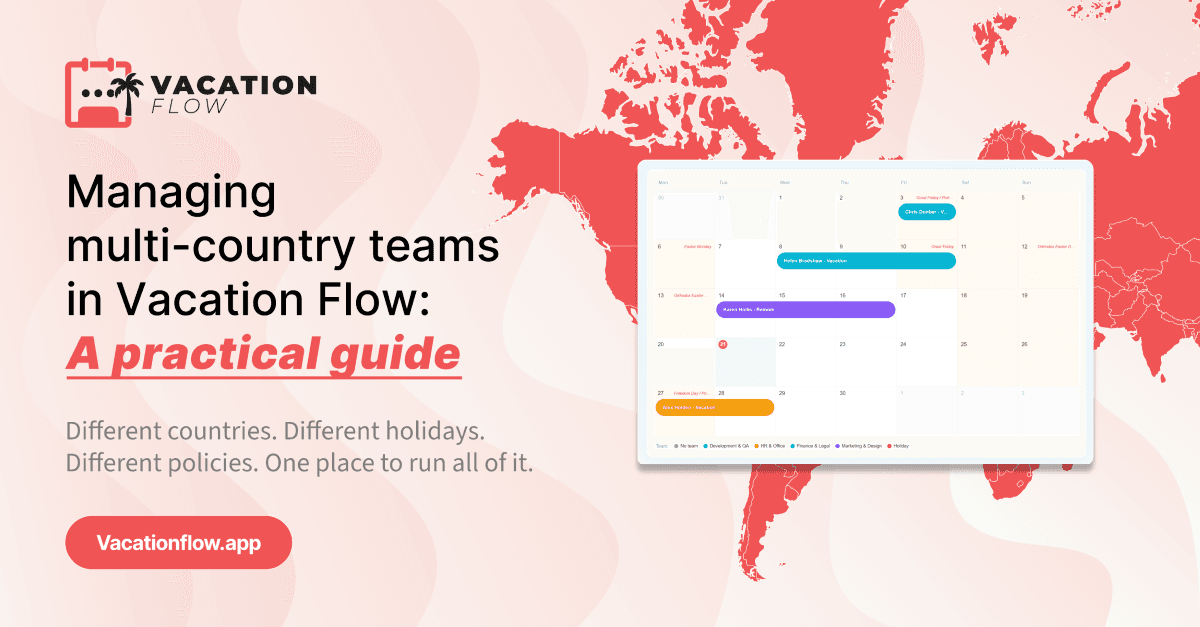
Once regions are set, each country’s holidays appear on the calendar, labeled by country. Nobody has to block out national holidays by hand, and a manager can see at a glance when a particular office is closed before planning work around it.
2. See every office on one calendar
When teams sit in different countries, absences tend to stay local. A colleague in one office may never know that half of another office is away. Vacation Flow puts everyone on a shared team calendar, and requests appear on it the moment they are submitted, so colleagues across all locations can plan around them.
Managers can also view the calendar by team. That makes it easy to follow a single team whose members are based in several countries, without losing sight of the wider company.
3. Know who is reachable across time zones
In a distributed team, availability is about more than holidays. Vacation Flow’s work modes record remote work, deep-work sessions and medical absences alongside regular leave, so a manager in one country can see whether a colleague elsewhere is working from home, focused offline or away.
Google Calendar sync adds approved leave to the calendars people already use, which helps colleagues in different time zones avoid scheduling meetings with someone who is out.
4. Approve requests wherever you are
Managers of international teams spend a lot of time away from their desks. In Vacation Flow, approvers see the full team schedule, including any overlapping absences, and confirm a request with one click. Balances and history update automatically once it is approved.
The same approval flow works in the Vacation Flow app for iOS and Android, so a manager traveling between offices can respond immediately. Daily or weekly email summaries keep managers up to date on upcoming absences without logging in.
5. Keep your leave rules in one place
Running separate spreadsheets per office often leads to rules drifting apart over time. In Vacation Flow, administrators define leave categories such as vacation, sick leave and remote work days in one place, set the allowance for each, and use accrual and carryover rules to control how entitlement builds and what happens to unused days.
A final tip for growing teams
Treat every new office as a short checklist rather than a project. Before the first employee in a new country submits a request, add the relevant holiday region, confirm that your leave categories and allowances still fit, and place the new hires in the right team. Ten minutes of setup at that stage saves weeks of corrections later.
For detailed, step-by-step instructions, the Vacation Flow knowledge base covers the full setup.